



Feeling overwhelmed by endless to-do lists and never having enough time to focus on growing your business? You’re not alone. Most entrepreneurs waste hours every week switching between tools and fixing broken workflows instead of working on what truly matters.
I’ve tested dozens of productivity tools and worked with hundreds of entrepreneurs to identify the solutions that actually make a difference. In this guide, I’ll share the 5 best productivity tools that will help you reclaim your time, streamline your workflow, and focus on what truly matters – growing your business.
Why Productivity Tools Are Essential for Entrepreneurs

As an entrepreneur, your most valuable resource isn’t money – it’s time. Research shows that the average business owner wastes more than a third of their week on minor administrative tasks that don’t directly contribute to growth.
Think about it: if you’re making $100K a year, every hour is worth roughly $50. Those 13+ wasted hours each week? That’s $650 down the drain every single week – or over $33,800 annually!
The right productivity tools can help you:
But with thousands of options available, finding the right tools can quickly become another overwhelming task. That’s why I’ve done the research for you and narrowed it down to the five most impactful tools that specifically address the unique challenges entrepreneurs face.
How to Choose the Right Productivity Tools
Before diving into specific recommendations, let’s talk about what makes a productivity tool truly valuable for entrepreneurs. The best tools share these key characteristics:
What to Look For
Red Flags to Avoid
Remember
The goal isn’t to adopt every tool available – it’s to find the minimal effective stack that solves your specific challenges. Start with one tool from each major category and only add more when you’ve mastered the basics.
The 5 Best Productivity Tools for Entrepreneurs
After testing dozens of options and gathering feedback from successful entrepreneurs, I’ve identified these five tools as the most impactful for streamlining your workflow and reclaiming your time.
1. Asana – Best for Task and Project Management
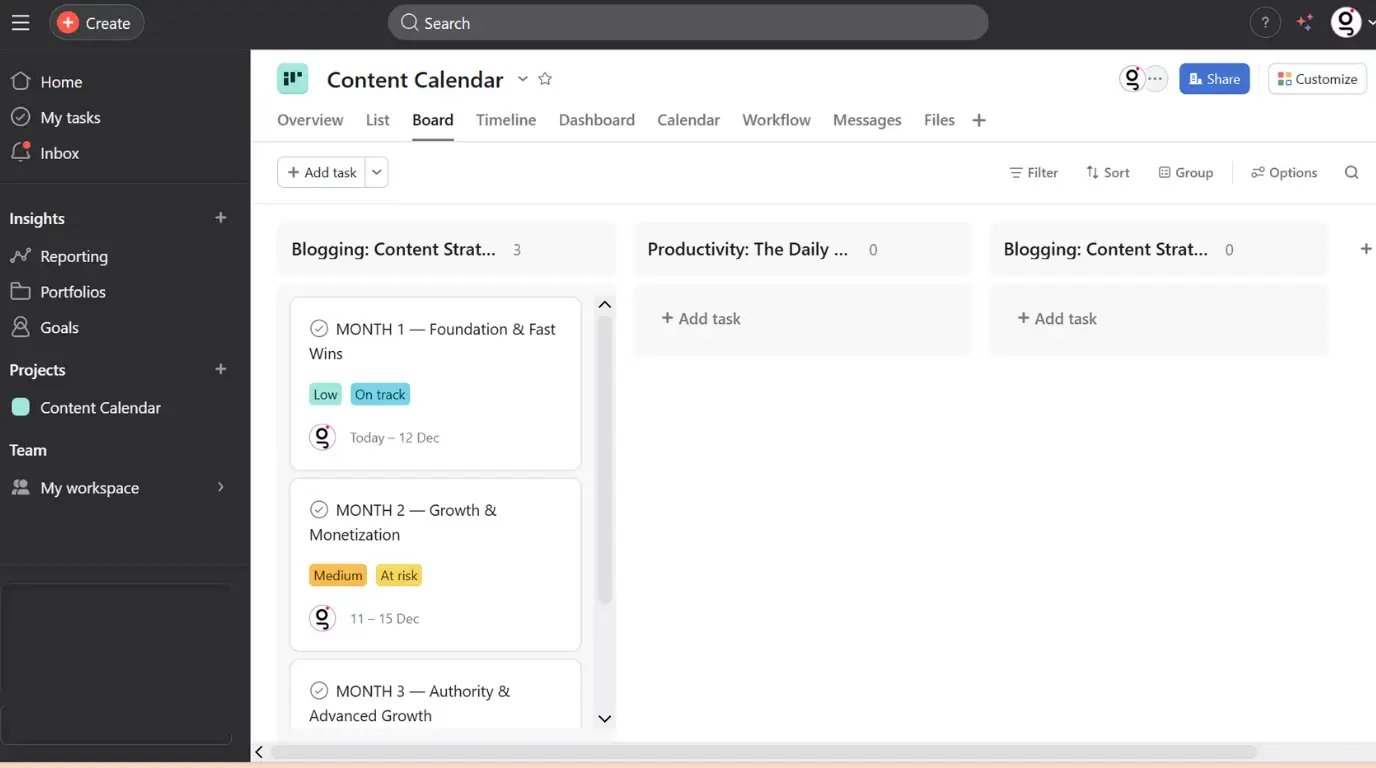
Asana is an all-in-one task manager and team collaboration tool that helps entrepreneurs escape the chaos of scattered to-do lists and email overload. It transforms how you organise work by creating clear, actionable plans from your scattered thoughts.
Key Features
Pricing
Pros
Cons
Asana is ideal for entrepreneurs who need to manage multiple projects simultaneously and want to reduce the time spent on coordination. Particularly valuable for those working with remote team members or contractors.
One entrepreneur I worked with reduced their weekly admin time from 12 hours to just 3 hours using Asana’s automation features alone – that’s 9 extra hours every week to focus on growth!
2. Notion – Best for Knowledge Management
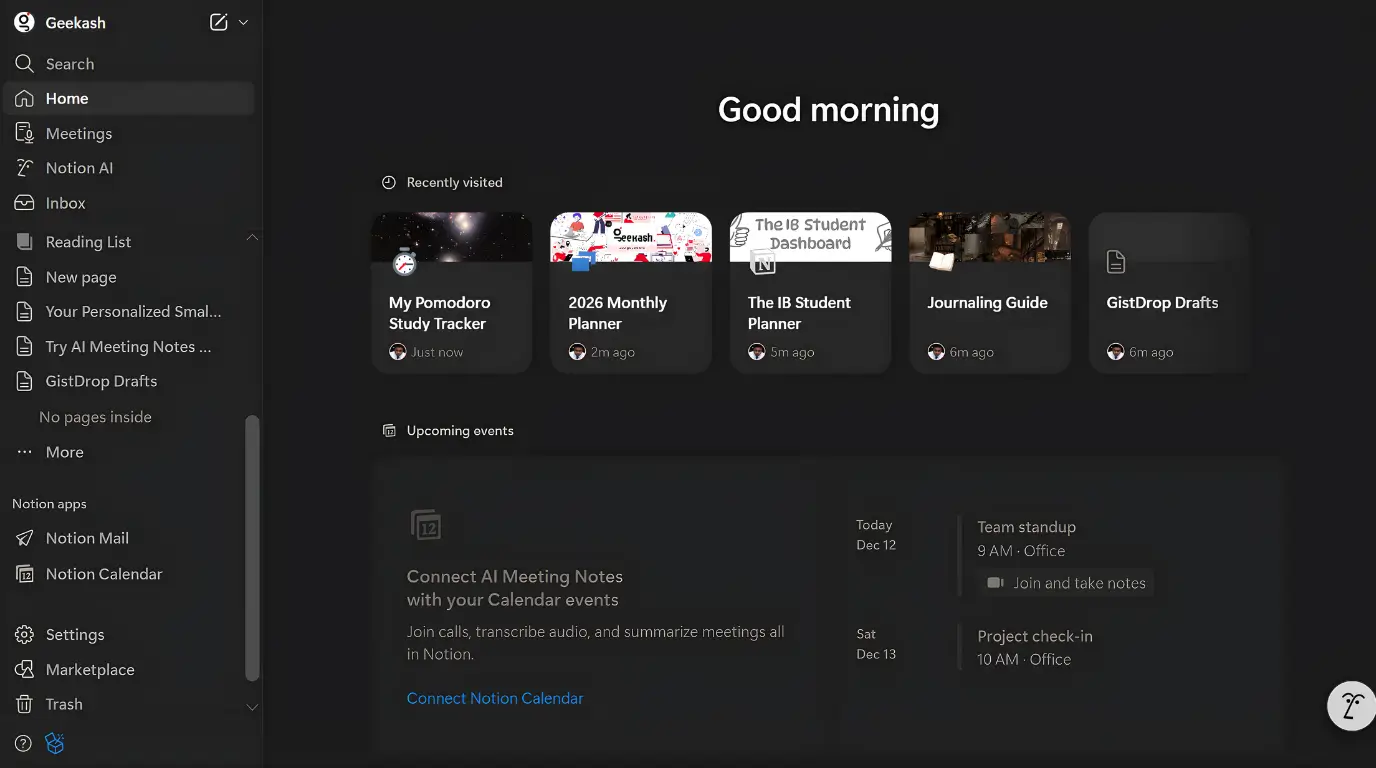
Notion is a flexible workspace that combines notes, documents, wikis, and project management in one seamless platform. It eliminates the need to jump between different apps by creating a central hub for all your business information.
Key Features
Pricing
Pros
Cons
Notion is ideal for entrepreneurs who struggle with information overload and want to create scalable systems that streamline their workflow. Particularly valuable for documenting standard operating procedures, creating content calendars, and managing client information.
3. Toggl Track – Best for Time Management
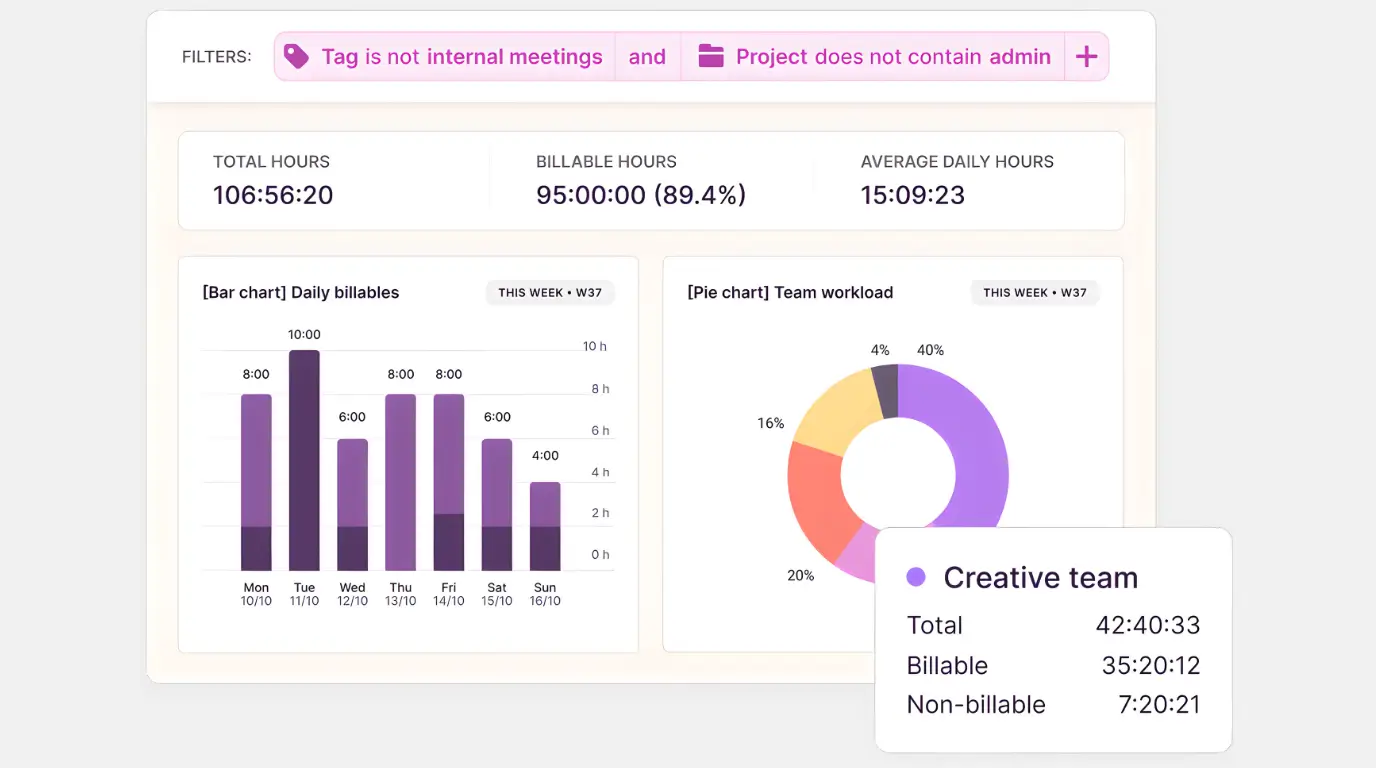
Toggl Track is a simple yet powerful time tracking tool that helps entrepreneurs understand where their time actually goes. It provides the data you need to make informed decisions about your priorities and pricing.
Key Features
Pricing
Pros
Cons
Toggl Track is ideal for entrepreneurs who bill by the hour or want to optimise their time allocation. Particularly valuable for service-based businesses, consultants, and freelancers who need accurate client billing.
4. Zapier – Best for Automation
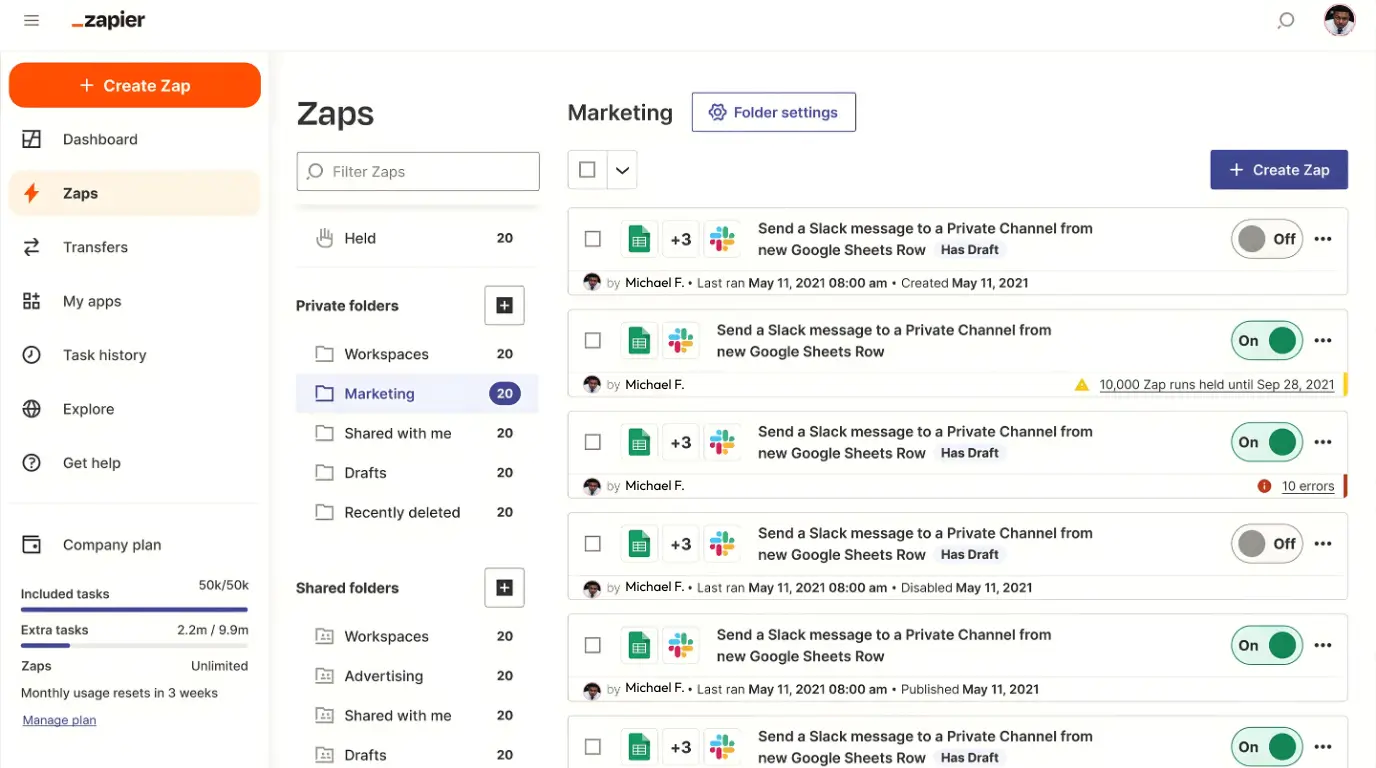
Zapier connects your apps and automates workflows, eliminating repetitive tasks that drain your time and energy. It works with over 3,000 apps, allowing you to create powerful automations without any coding knowledge.
Key Features
Pricing
Pros
Cons
Zapier is ideal for entrepreneurs who find themselves doing the same tasks repeatedly across different platforms. Particularly valuable for automating lead management, content publishing, data entry, and notifications.
5. Calendly – Perfect for Scheduling
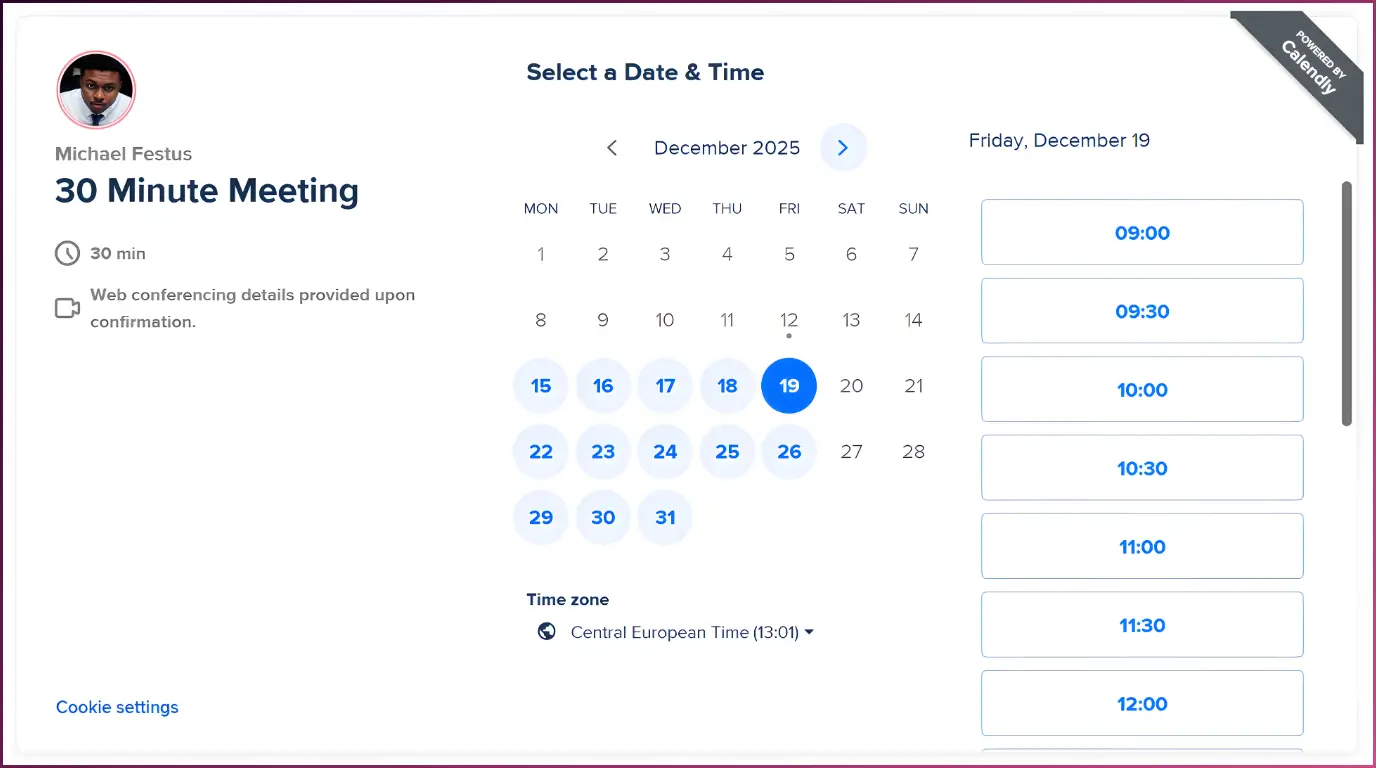
Calendly eliminates the back-and-forth emails typically required to schedule meetings. It synchronizes with your calendar to display only your available times and allows others to book slots that work for them.
Key Features
Pricing
Pros
Cons
Calendly is ideal for entrepreneurs who have frequent meetings with clients, team members, or partners. Particularly valuable for coaches, consultants, and service providers who need to manage their calendar efficiently.
How to Implement These Tools Effectively
Having the right tools is only half the battle. Here’s a proven implementation strategy to ensure you actually see results:
3-Week Implementation Plan
Week 1: Foundation
Week 2: Communication
Week 3: Automation
Implementation Mistakes to Avoid
Trying to implement everything at once
Start with one tool and master it before adding another. Attempting to overhaul your entire workflow overnight is a recipe for frustration and abandonment.
Not connecting tools to your goals
Always tie your tool usage to specific business objectives. If you can’t explain how a tool helps you achieve your goals, you probably don’t need it.
Skipping the training phase
Invest 30 minutes in watching tutorial videos or reading documentation. This small investment will save hours of frustration later.
Not measuring the impact
Track the time and energy saved by implementing each tool. This data will help you justify the investment and identify areas for further improvement.
Pro Tip: The 80/20 Rule of Productivity Tools
Focus on mastering the 20% of features that will give you 80% of the benefits. You don’t need to become an expert in every aspect of a tool to see significant improvements in your productivity.
Recommendations for Different Types of Entrepreneurs
Different business models have different productivity needs. Here are my specific recommendations based on your situation:
Solo Entrepreneurs

Primary Challenge: Wearing too many hats
Recommended Stack:
Implementation Focus: Create systems that allow you to focus on revenue-generating activities while minimizing administrative overhead.
Small Teams (2-10)

Primary Challenge: Coordination and communication
Recommended Stack:
Implementation Focus: Establish clear workflows and communication protocols that reduce the need for meetings and ensure everyone stays aligned.
Service-Based Businesses

Primary Challenge: Client management and delivery
Recommended Stack:
Implementation Focus: Create repeatable systems for client onboarding, delivery, and follow-up that ensure consistent quality while scaling your capacity.
Start Reclaiming Your Time Today
The right productivity tools can transform how you work as an entrepreneur – but only if you implement them strategically and consistently. Start small, focus on your biggest pain points, and build your system one tool at a time.
Remember that productivity isn’t about doing more – it’s about achieving more of what matters while eliminating what doesn’t. These five tools will help you create systems that scale with your business, freeing up your most valuable resource: time.
Which tool will you implement first? The most important step is simply to begin.